
Gain complete visibility into your IT, OT and IoT assets
Increase efficiency and minimize risk with the all-in-one solution for discovering, managing, and optimizing your technology assets.

















Auto-populate your CMDB, enrich service desk tickets, and track your asset’s lifecycle to make time for what you do best.

Detect rogue devices, vulnerabilities and non-compliance issues before they become a problem.

Reveal needless expenses, support budgeting decisions and manage your IT cost-effectively with accurate data.
We build our platform with IT Professionals in mind to give you granular visibility across your IT, OT, and IoT estate.
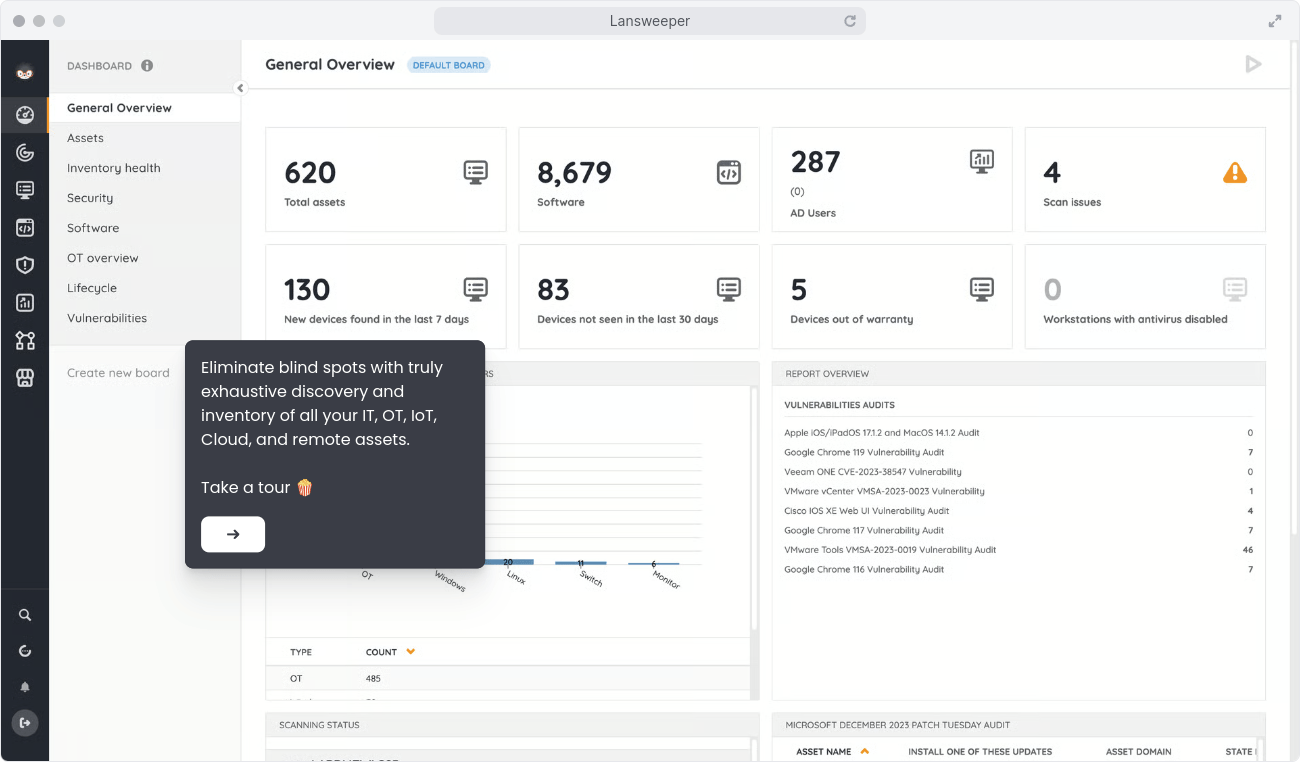
Get complete visibility in one single easy-to-use solution with Lansweeper’s comprehensive IT asset discovery. Eliminate blind spots with truly exhaustive visibility on every device, user, and software across the entire technology estate.
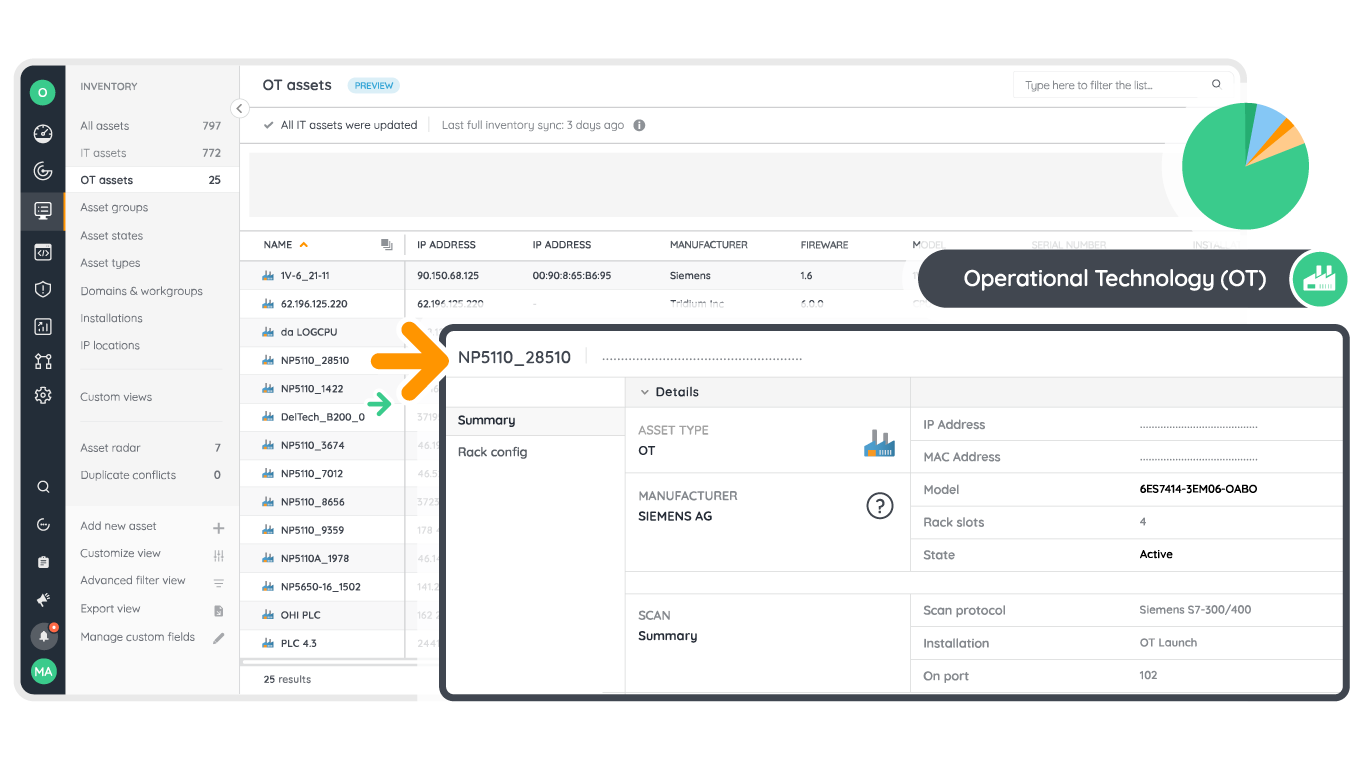
OT discovery brings your OT and IT estate together under a single pane of glass. Scan devices from popular manufacturers leveraging specialized OT protocols.
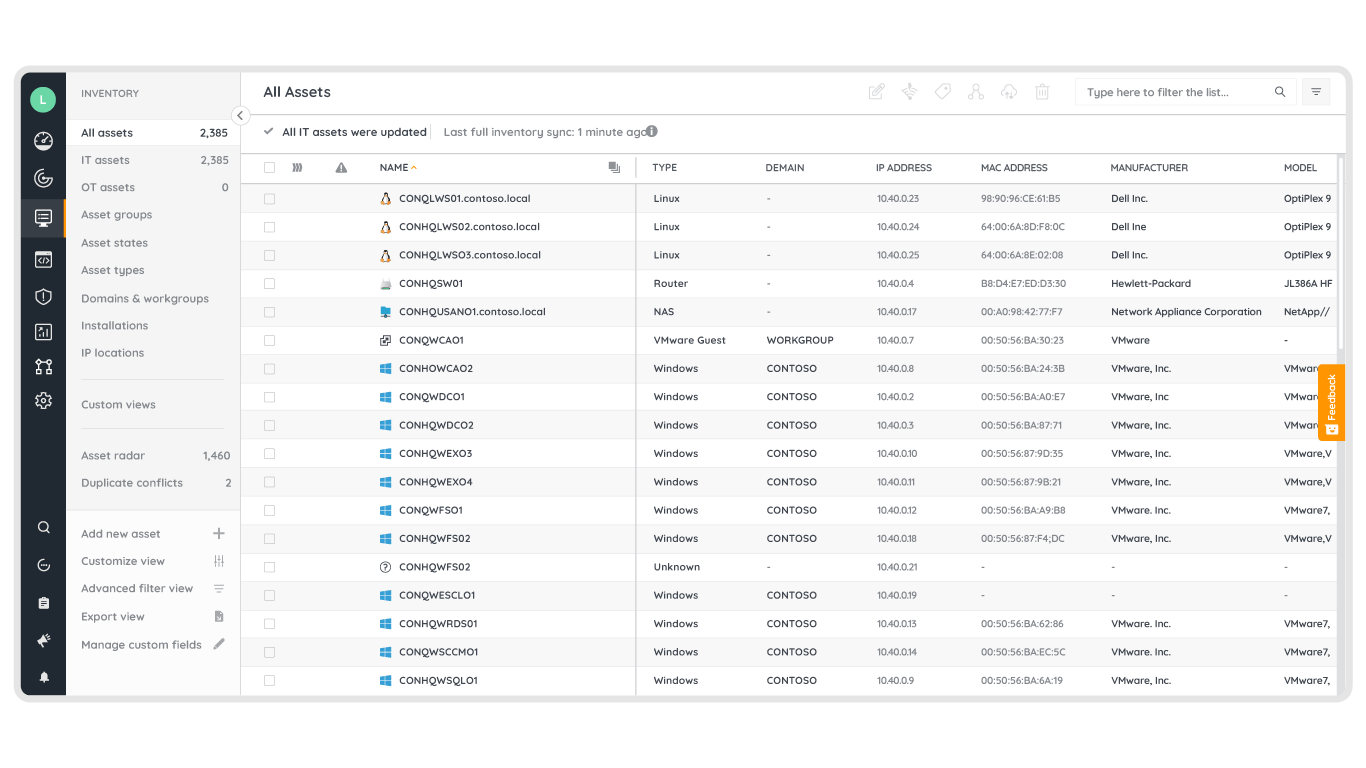
Consolidate and normalize all asset data in one centralized inventory. Get complete visibility into your distributed technology environments, see who’s owning assets they own, where they are located, and who uses them.
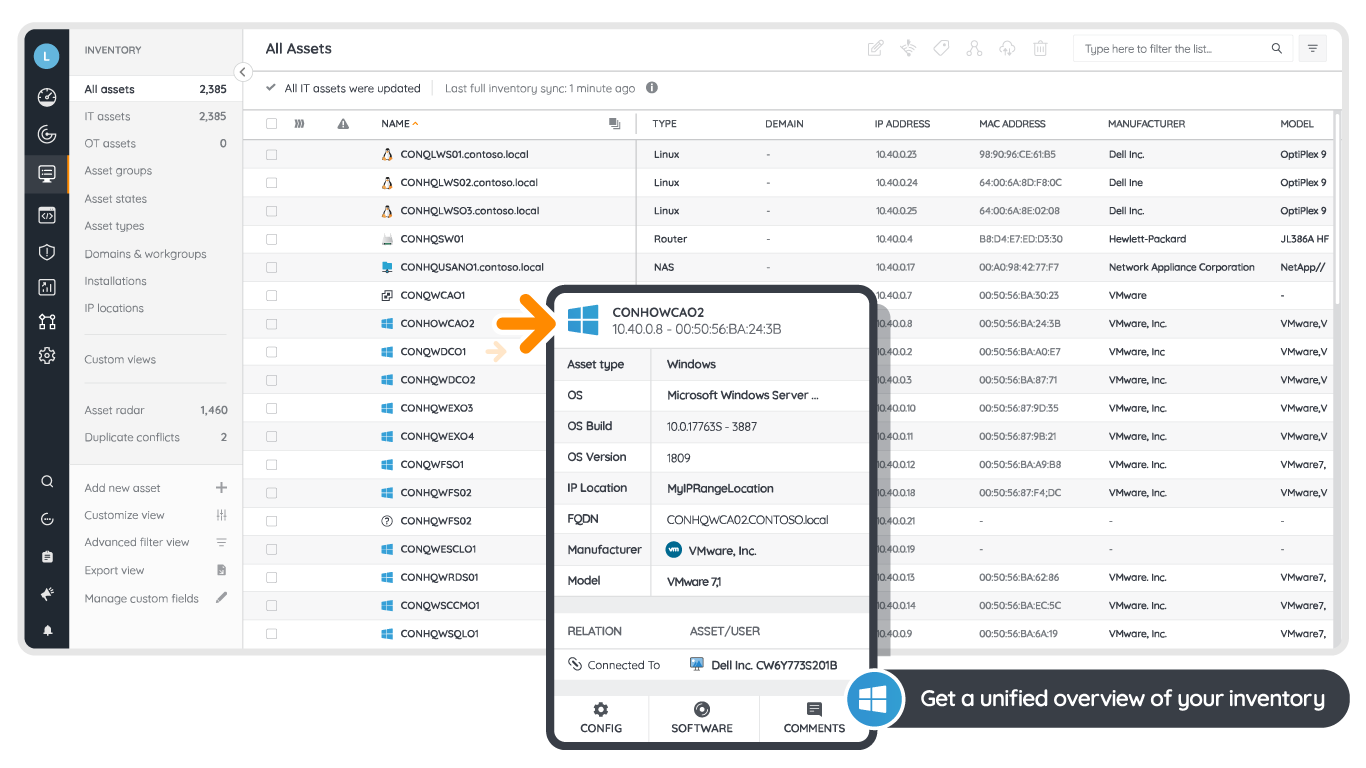
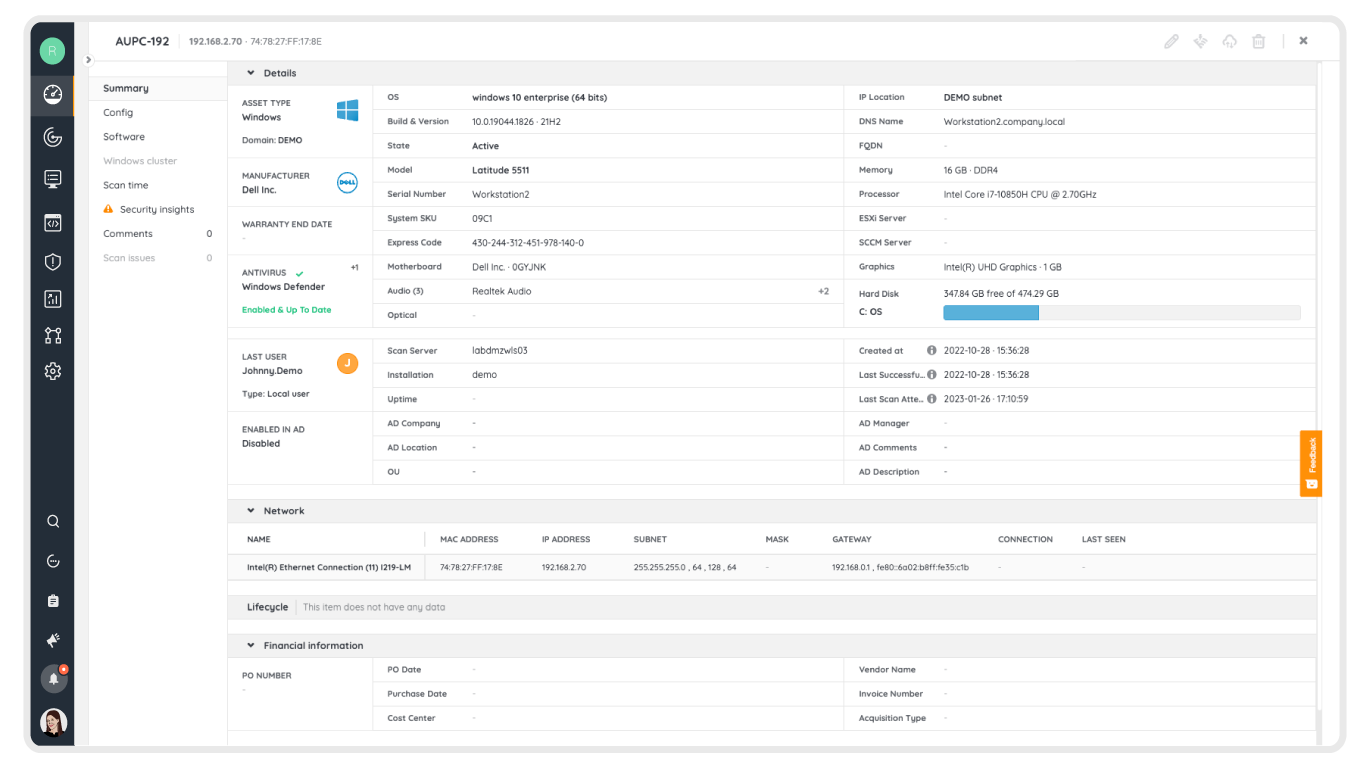
Identify and assess details to actively manage your technology assets. Find assets with specific traits and dive deeper into their hardware, software, and user details.
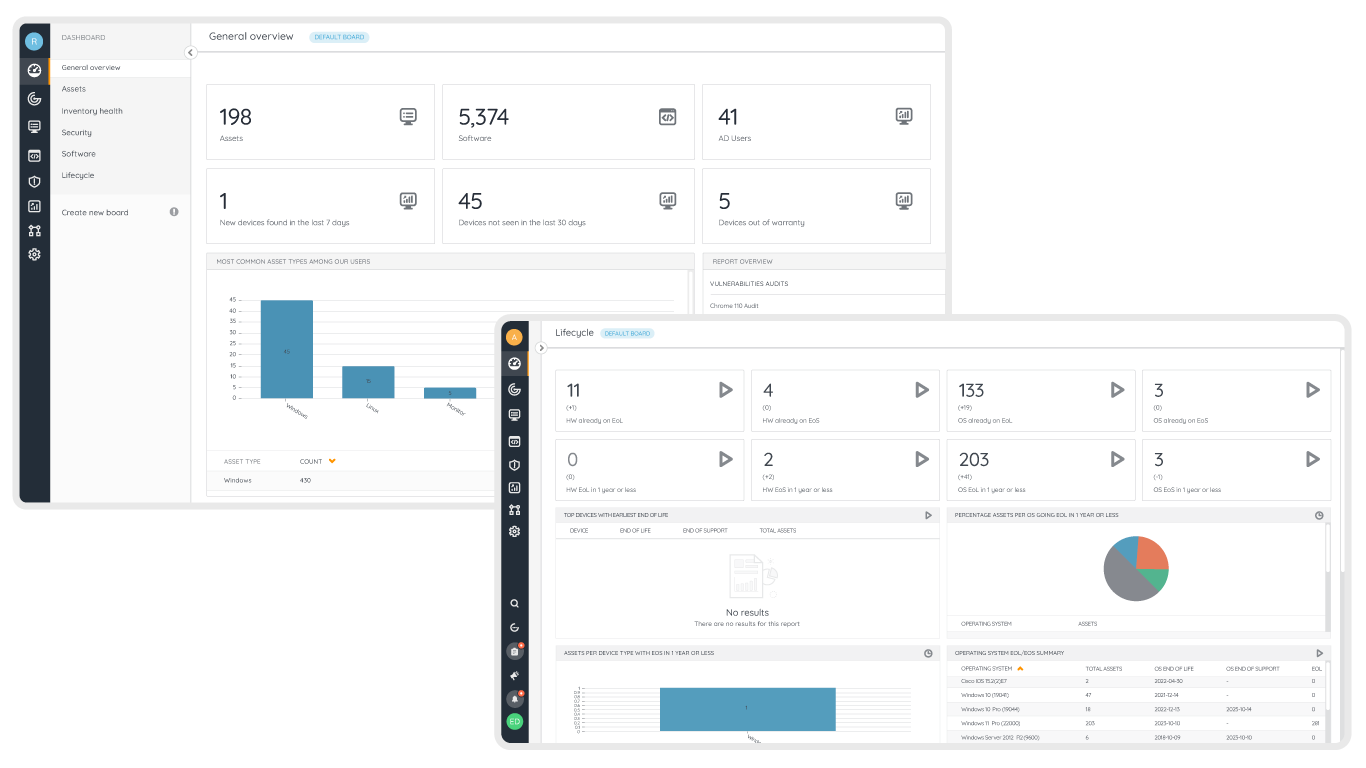
Consult top-down dashboards to supervise your technology estate and drill down into the details when needed.
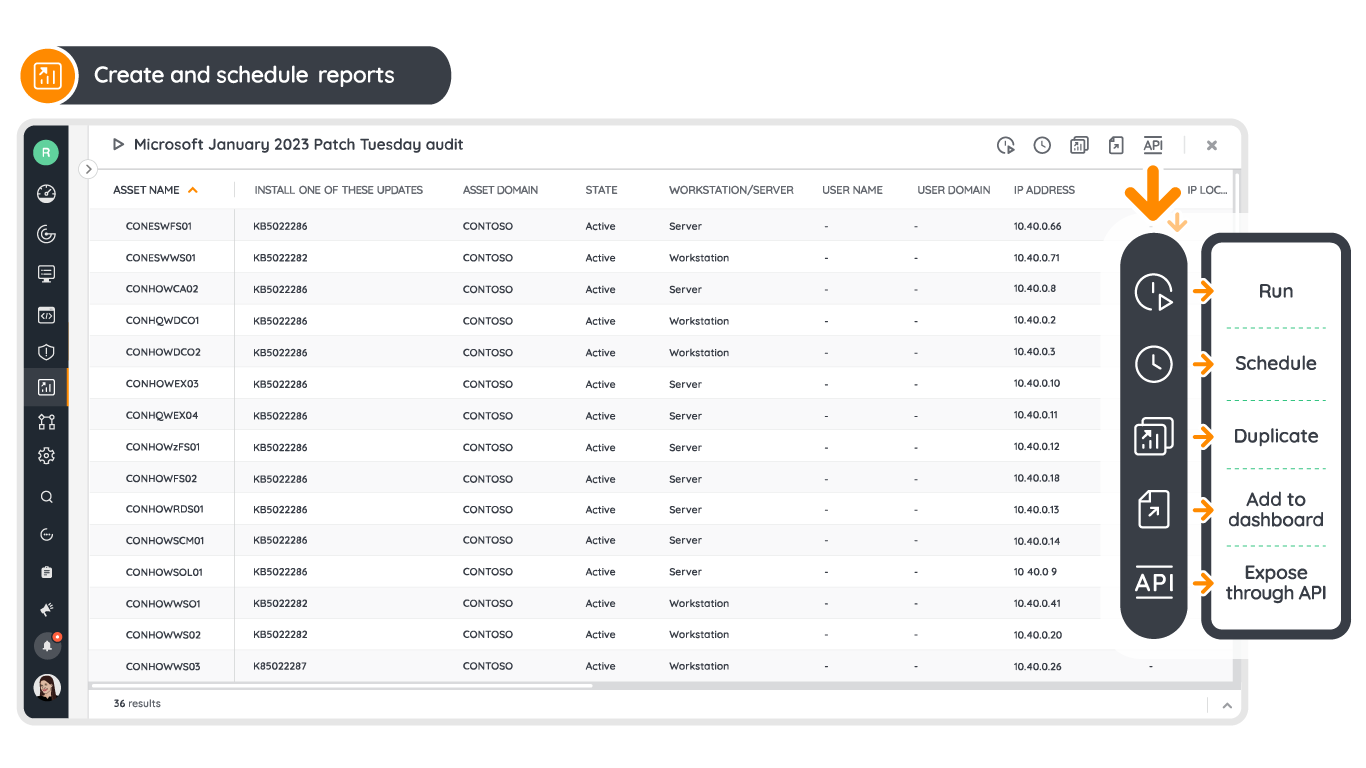
Ask any question about your technology estate and find the answer through an intuitive report builder. Slice and dice the data to find security risks, support audits, optimize cost, assess sustainability, and more.
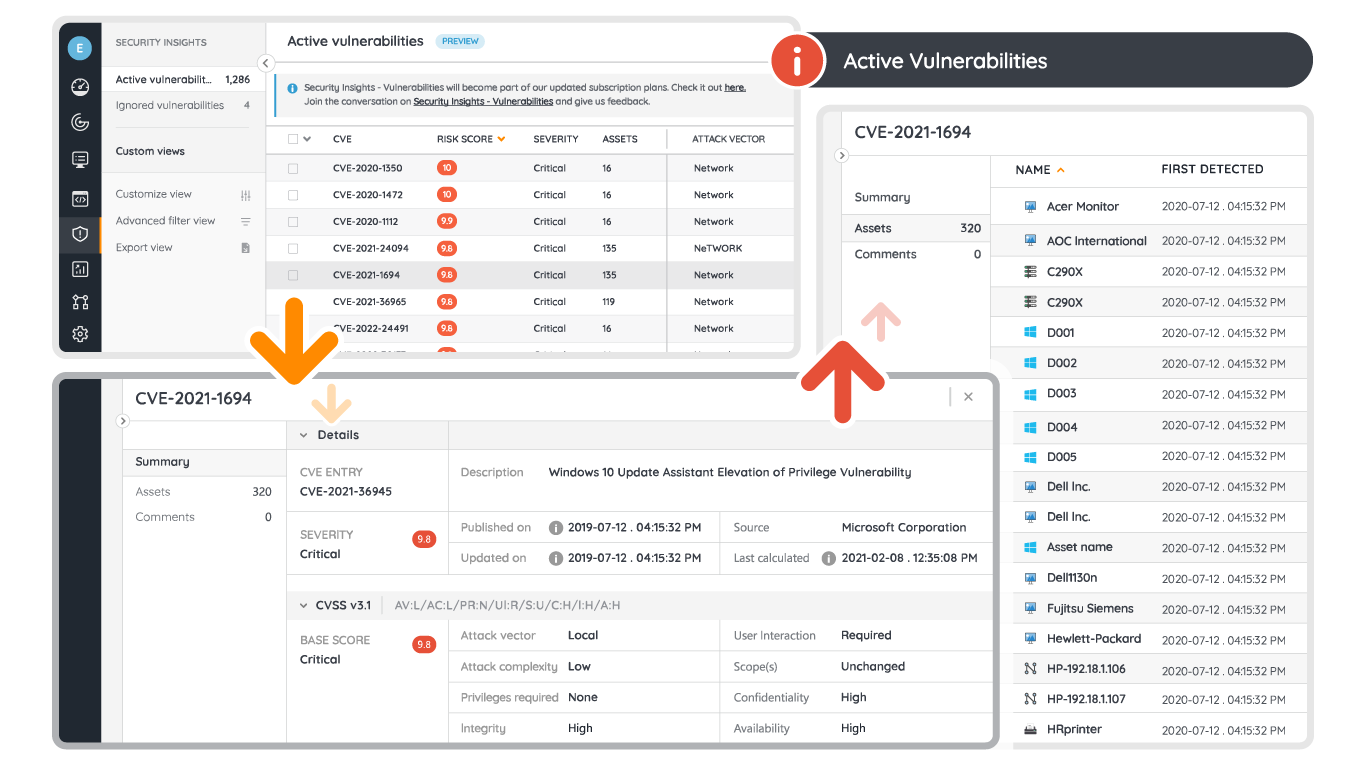
Leverage information from the NIST catalog to prioritize risks and protect your assets from known vulnerabilities. Gain visibility of assets that have known vulnerabilities and benefit from faster triage and incident response.
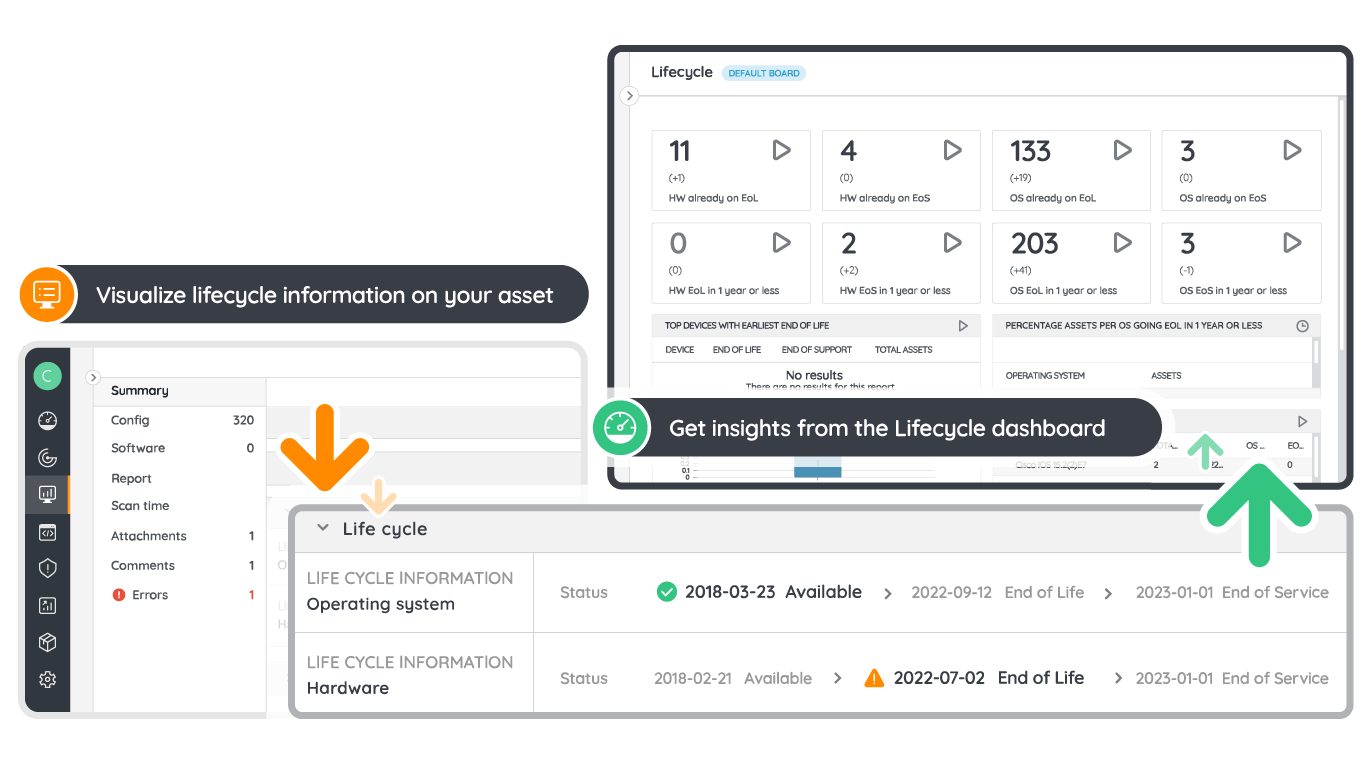
Access lifecycle information to track the support status of products in your environment, allowing you to see which of your hardware assets and Operating Systems will go end of life.
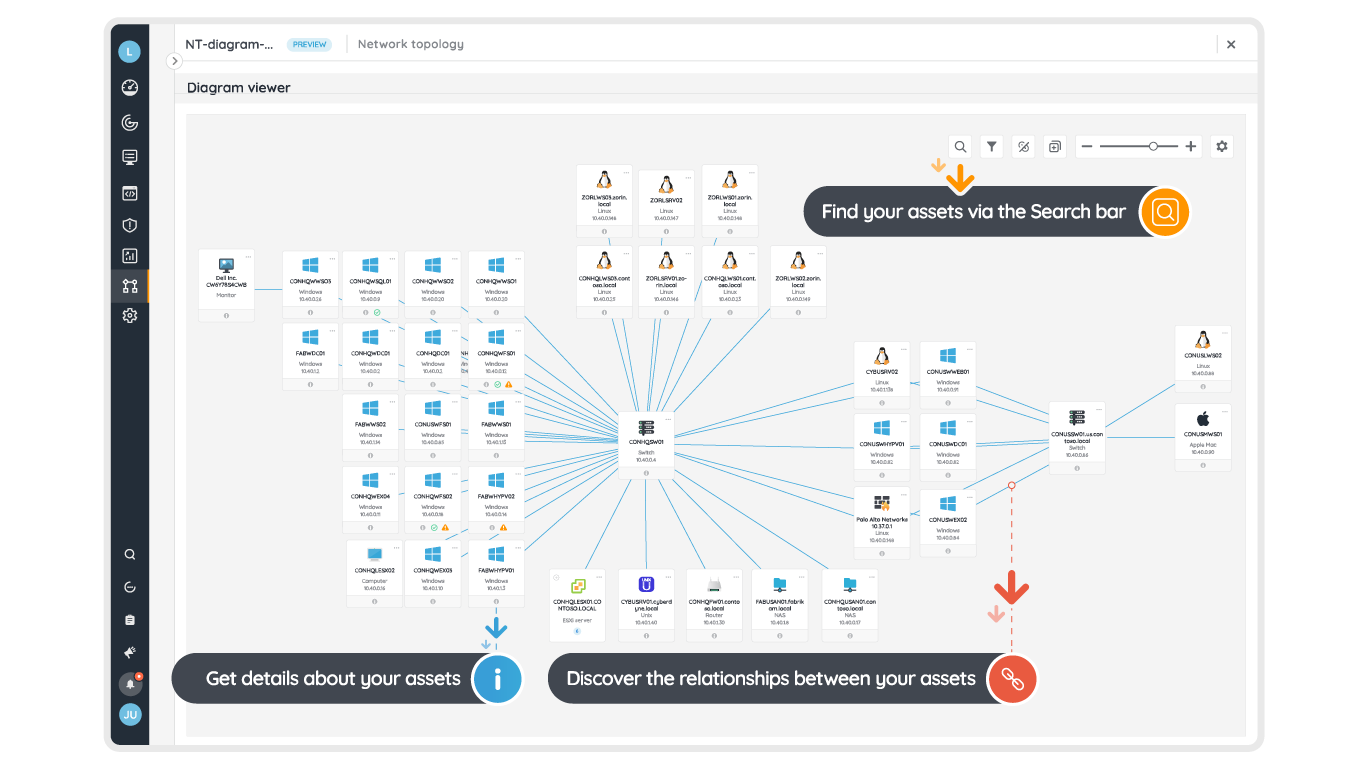
Discover at a glance the relations between your assets with dynamically generated diagrams on top of your inventory. Generate network topologies, cloud architectures, AD structures, and much more.
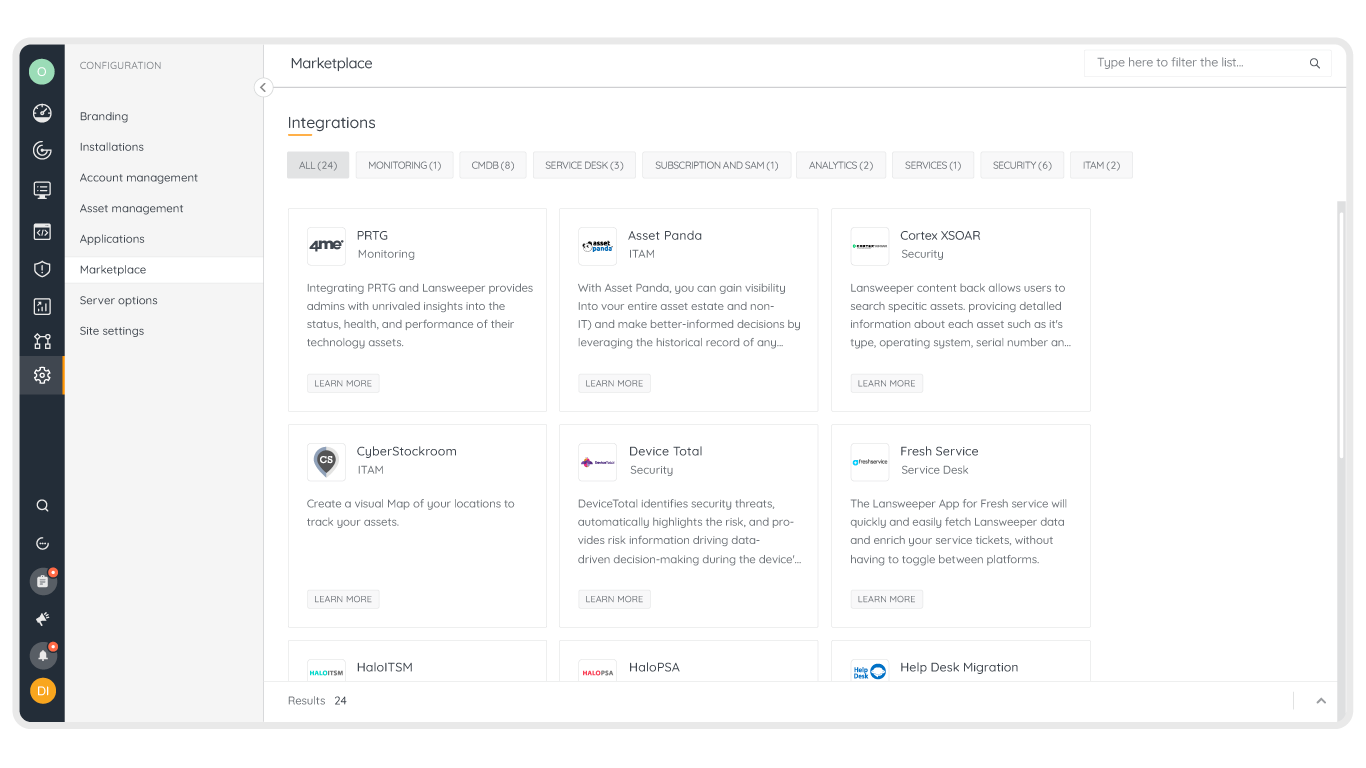
Take action and support extensive use cases through API integrations. Integrate Lansweeper with your other tools and systems through certified plug and play integrations.






Unmanaged assets breed risks, inefficiencies, and unexpected costs. At the core of effective IT management lies the understanding that you can’t manage or protect assets you don’t know you have. The only viable solution is one that is laser-focused on accuracy, breadth, and depth and providing complete visibility into the IT estate.
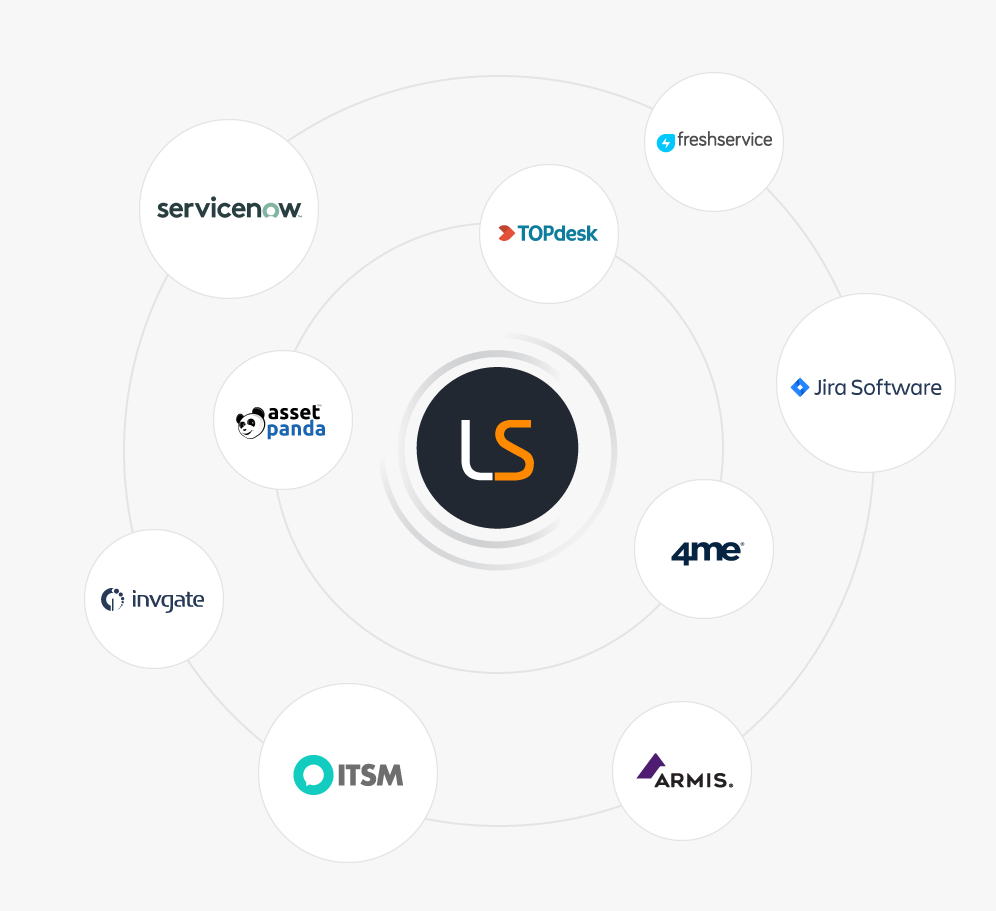
The Lansweeper platform connects right into your existing technology stack so you can fuel every IT scenario with up-to-date, accurate data. Leverage data and insights where needed most. No matter what the IT scenario, the data is there, it’s accurate, and it’s ready to use.
Power your business with Lansweeper discovery data and leverage it to take your services and products -hardware or software- to the next level with Lansweeper as a partner.



Empowering every role in IT Excellence with Lansweeper
Automate your asset discovery and inventory process, say goodbye to spreadsheets, save time, slash costs, and get control of your IT estate.
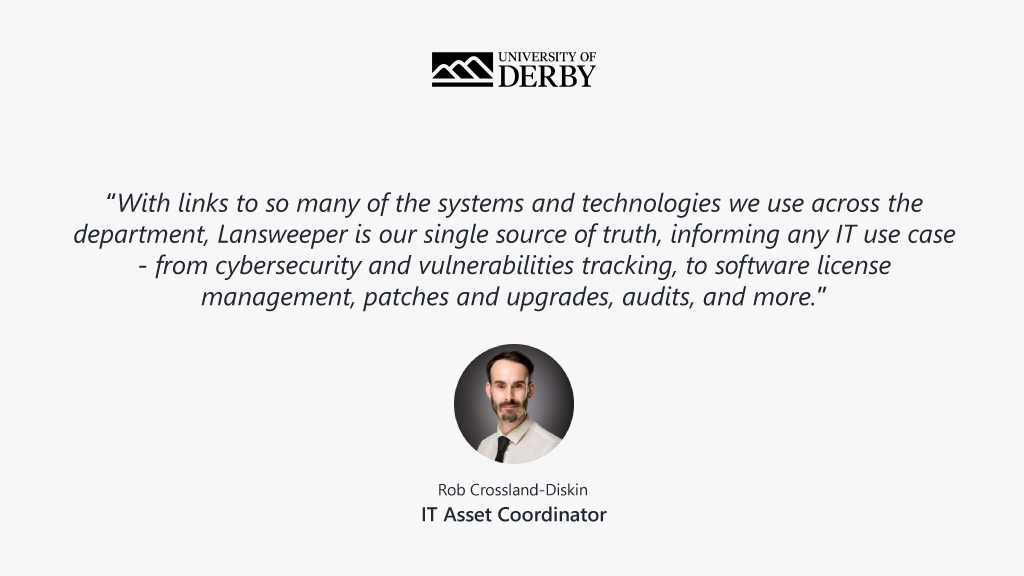
Empower your business with IT and improve the ROI of your IT investments while reducing costs and risk.
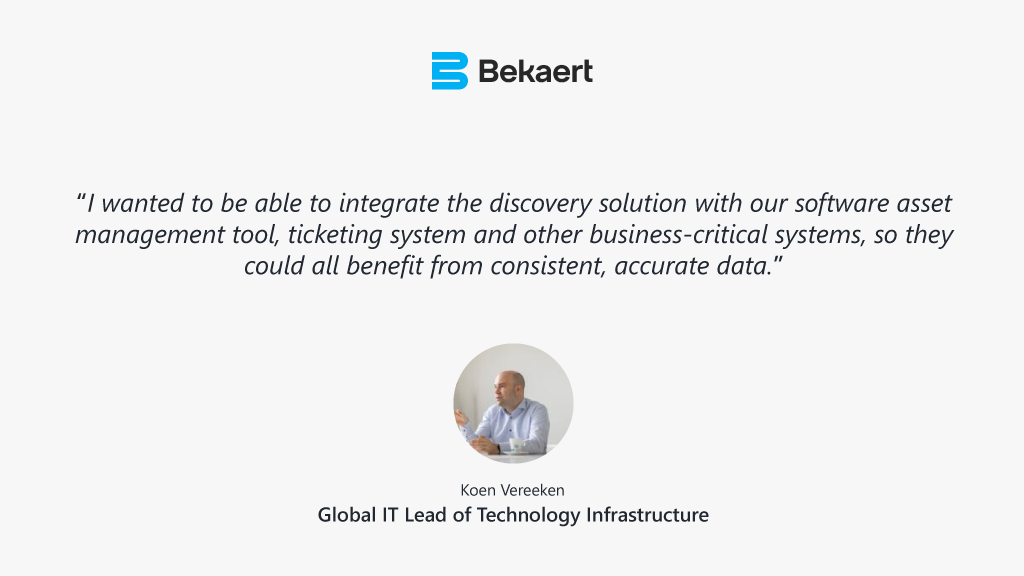
Eliminate blind spots with up-to-date, granular data about all assets in your IT estate. Proactively pinpoint vulnerabilities and simplify compliance and IT governance.
Achieve service excellence with a complete and accurate IT asset inventory. Resolve issues faster, enhance service processes, and optimize IT spend.
Maximize your MSP value with complete visibility across customers’ environments. Build complete, always-accurate IT asset inventories to support any IT scenario or business use case.
Lansweeper offers a 14-day free trial with unlimited access to all features. No credit card information is required.
Lansweeper integrates with over 35 applications, including Jira, ServiceNow, HaloITSM, Axonius, and more. Visit our integrations overview for more information.
Through the Lansweeper API, you can fetch data from your asset inventory to enrich any system, custom integration, or process needing it.
Explore all our features, free for 14 days.